Mock Authentication allows you to secure your mock APIs. This is optional feature in vREST mock server.
Now, to use this feature, follow the steps below:
- Click on Generate button in Mock Authentication Section of Mock Server Tab.
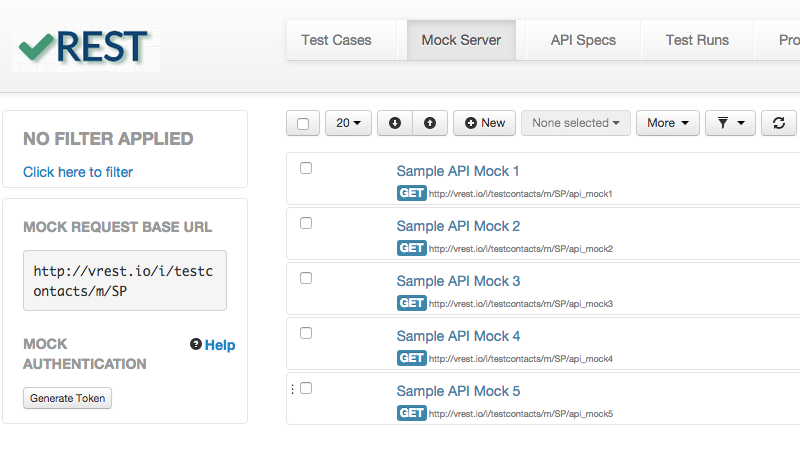
- After clicking on "Generate Token" button, you will see the screen similar to this:
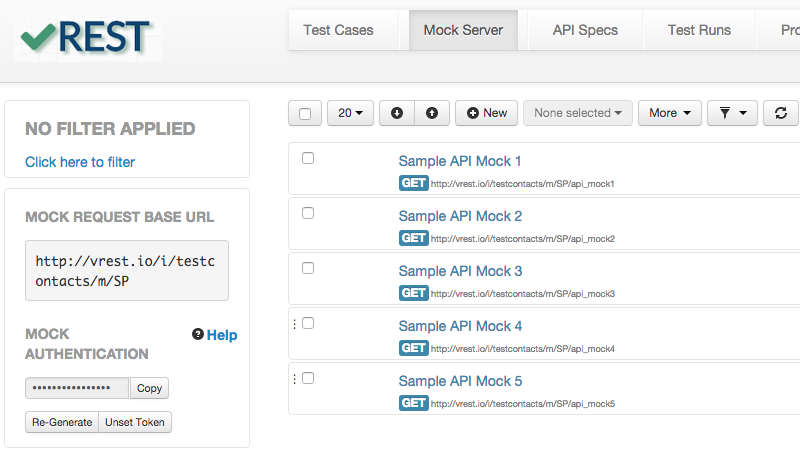
- Click on "Copy" button to copy the authentication token.
- Now, to use mock APIs configured in Mock Server tab, you need to send an extra request header with the mock request from your web / mobile application and the header is x-vrest-mock-token and its value is, what you have copied from previous step.
- Use "Re-Generate" button to generate a new fresh token and click on "Unset Token" button if you no longer want to use this feature.